
Mountain Bike Terrain: Jumps, Logs, and Rock Gardens
Trail eRoutes now have tabletop jumps, log stacks, rock gardens, and berms in the 3D world, and every jump has a power zone that lands it.
Road routes have hills, corners, and the odd bridge. Trails have more going on. Every eRoute with a Trail surface now comes with mountain bike terrain in the 3D world: tabletop jumps on the descents, log stacks on the flats, rock gardens, and berms. And because you are on a trainer, every jump is also a small interval.
Jumps With a Target
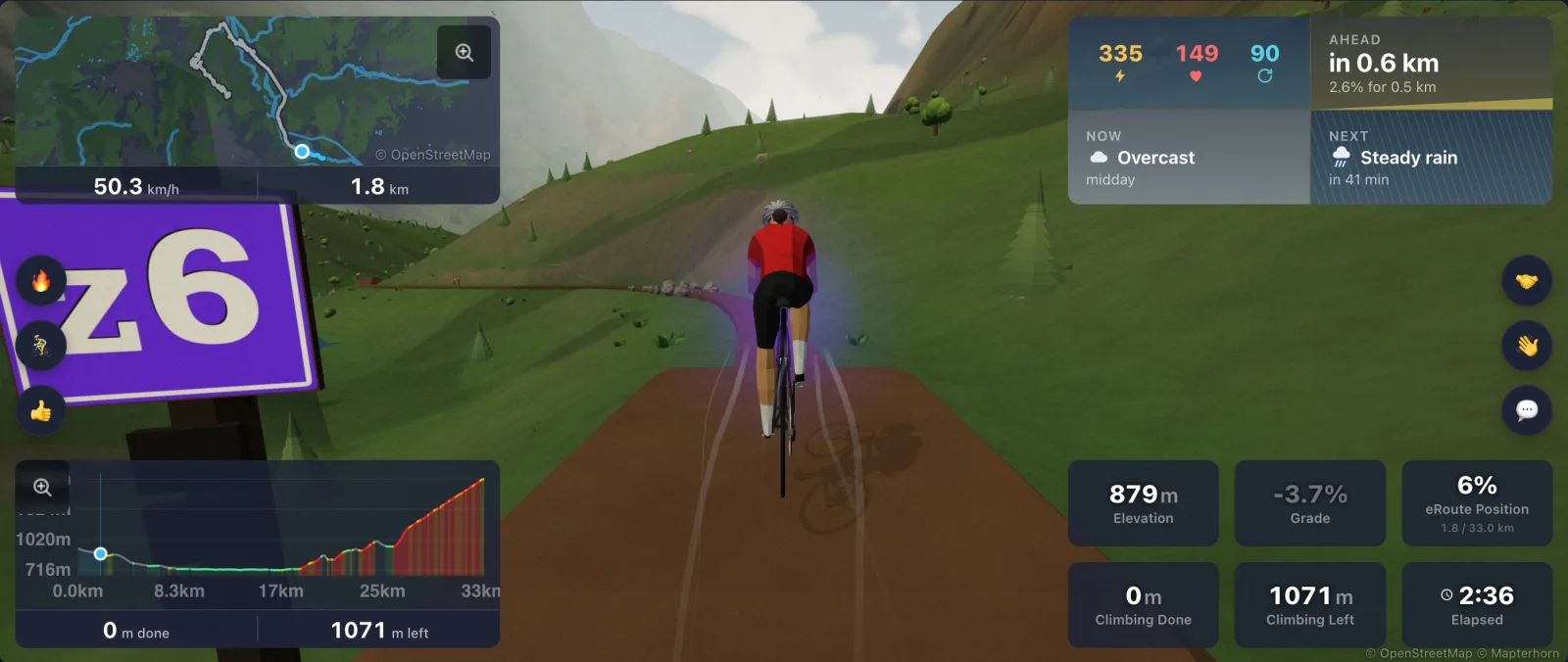
Each tabletop jump asks for a power zone, anywhere from Z2 to Z6. A wooden trail sign 70 m before the jump shows the zone it wants. Beside the lip stands a marker post with a three part meter, the zone on a plaque above it, and a red notch at the top. The meter fills as your power climbs toward the zone, the whole post lights up when you are on it, and the red notch lights when you are pushing too hard.
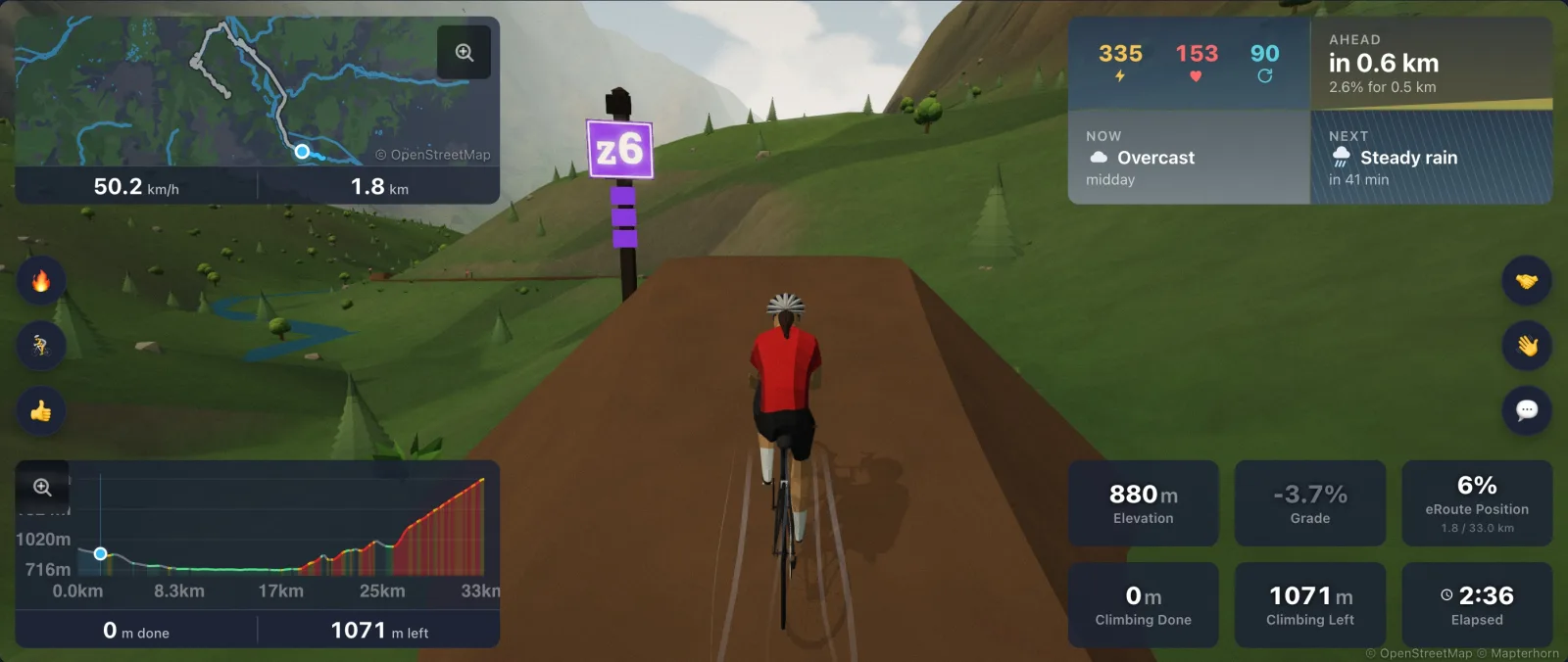
Hold the zone through the lip and you land the sweet spot on the landing ramp. Go too hard and you sail past the landing onto the flat. Go too easy and you come up short on the table. The result shows above your rider as PERFECT, OVERSHOT, or CASED IT, with a sound to match: a soft chime for a perfect landing and a thud for the others. Ride in Z4 or above and your rider leaves the lip with a glow in your zone color.
Jumps That Follow Your Workout
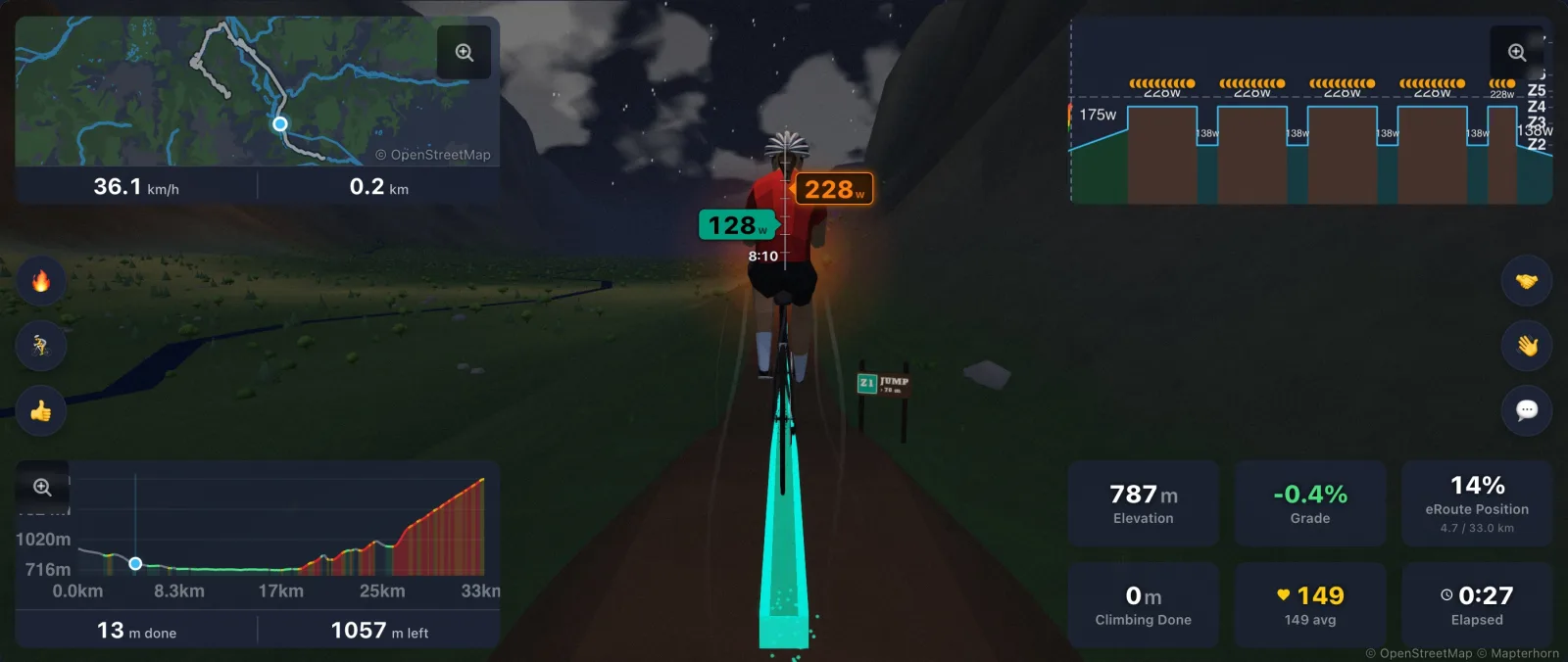
Attach a workout to a Trail eRoute and the jumps work with it. As you approach, each jump asks for the zone your workout asks for at the moment you will reach it, and the sign and the post change to match. Ride your intervals as written and the landings take care of themselves. Without a workout, every jump keeps its own zone.
Logs, Rocks, and Berms
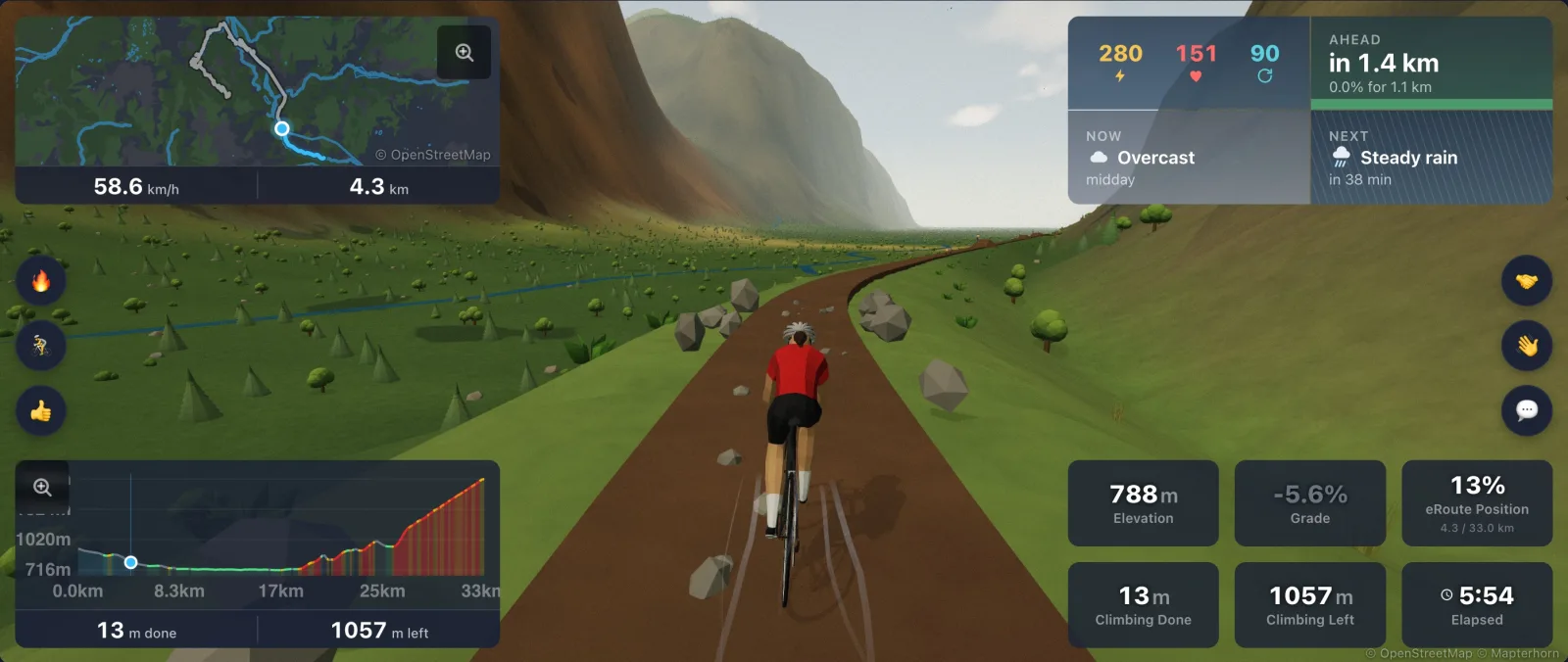
Log stacks lie across the trail on the flats: one big log, or a pile of three or five. Here speed matters, not power. Carry some pace and you ride up the stack and launch off the top; roll in slowly and you go over it.
Rock gardens line the trail with boulders and scatter smaller rocks across it, and your rider chatters through them, faster the quicker you go. Tight corners are built up into berms, with the trail banking into the turn and your rider leaning with it. You can carry more speed through a berm than through a flat corner.
What It Changes, and What It Does Not
Jumps, logs, and rocks are there to see and hear. They never change your trainer resistance or your distance, so your ride data stays honest. The Trail surface itself rides like dirt, with more rolling resistance than pavement, and that part you will feel.
Everyone on a route rides the same trail, with every feature in the same place, and the riders and bots around you hit the jumps too. Landing sounds follow the Ambient audio switch in Settings, under Infinite World.
Finding a Trail
Every eRoute card shows its surface, so look for Trail. If you own a route, you can turn it into a trail yourself: open it in the route editor and set Surface to Trail under Ride feel. That changes how the route rides, never its shape or its leaderboard.
The terrain lives in the 3D world, so keep Ride in the 3D world switched on in ride setup. It shows on every graphics setting, including the new Ultra Low setting for lower powered computers. Like the rest of the Infinite World, it is free for every rider. More on the Mountain Bike Terrain page.