
New in the Infinite World
Mountain Bike Terrain
Trail eRoutes now ride like a trail: tabletop jumps on the descents, log stacks on the flats, rock gardens, and berms you can carry speed through. Every jump shows the power zone that lands it.
Free on every Trail route, for every rider.
Jumps
Every jump asks for a zone.
Read the sign, then hold the zone.
A wooden trail sign 70 m before each jump shows the zone it wants. Beside the lip, a marker post fills up as your power moves toward that zone and lights up in full when you are on it. Hold the zone at the lip and you land the sweet spot.
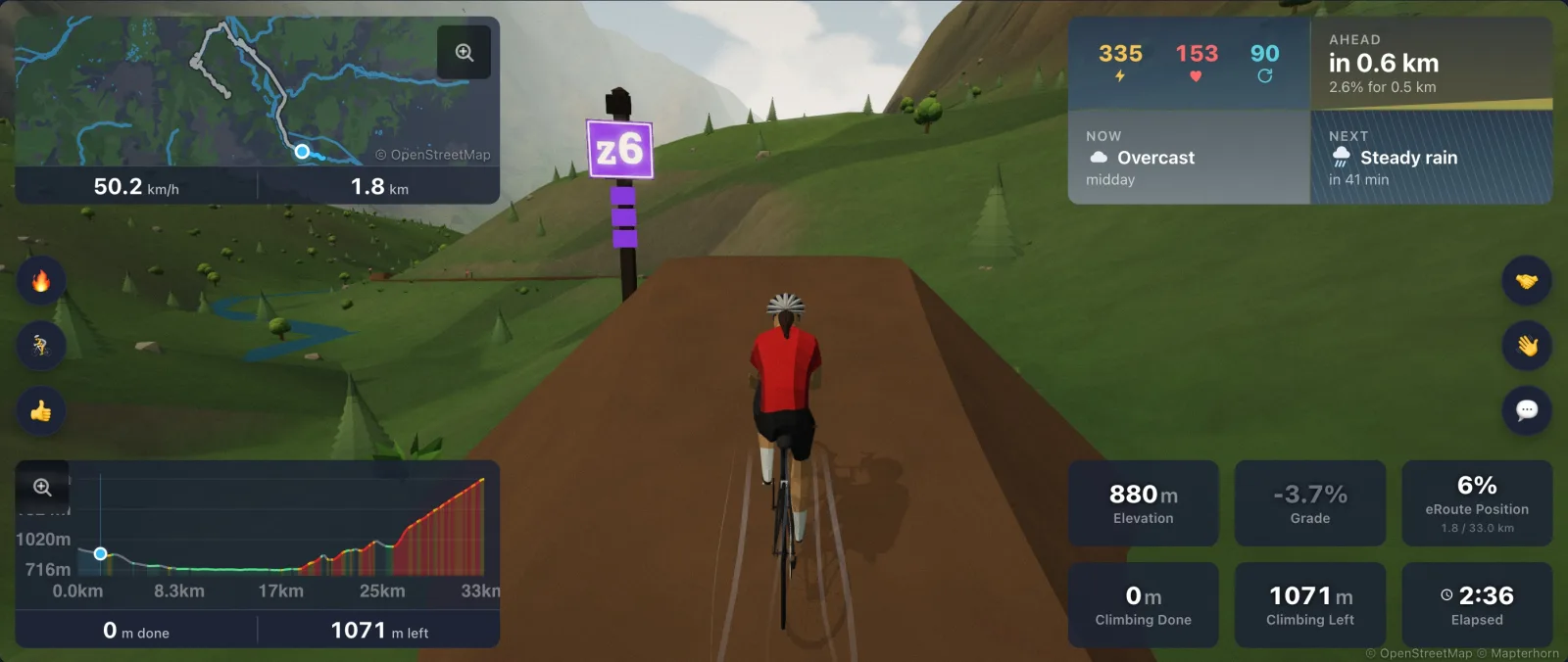
Too hard, too easy, or perfect.
Go too hard and you fly past the landing. Go too easy and you come up short on the table. Get it right and you touch down on the landing ramp. Each landing gets its call above your rider: PERFECT, OVERSHOT, or CASED IT, with its own sound.
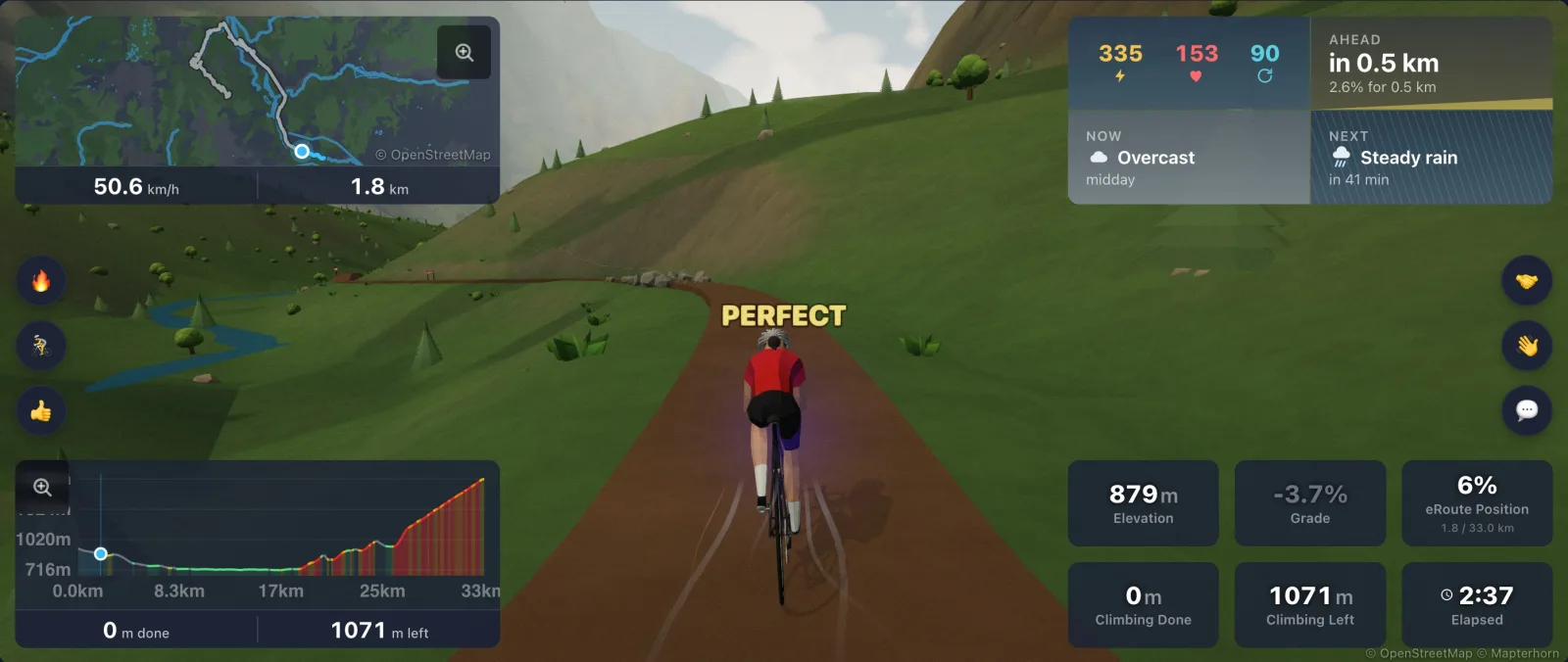
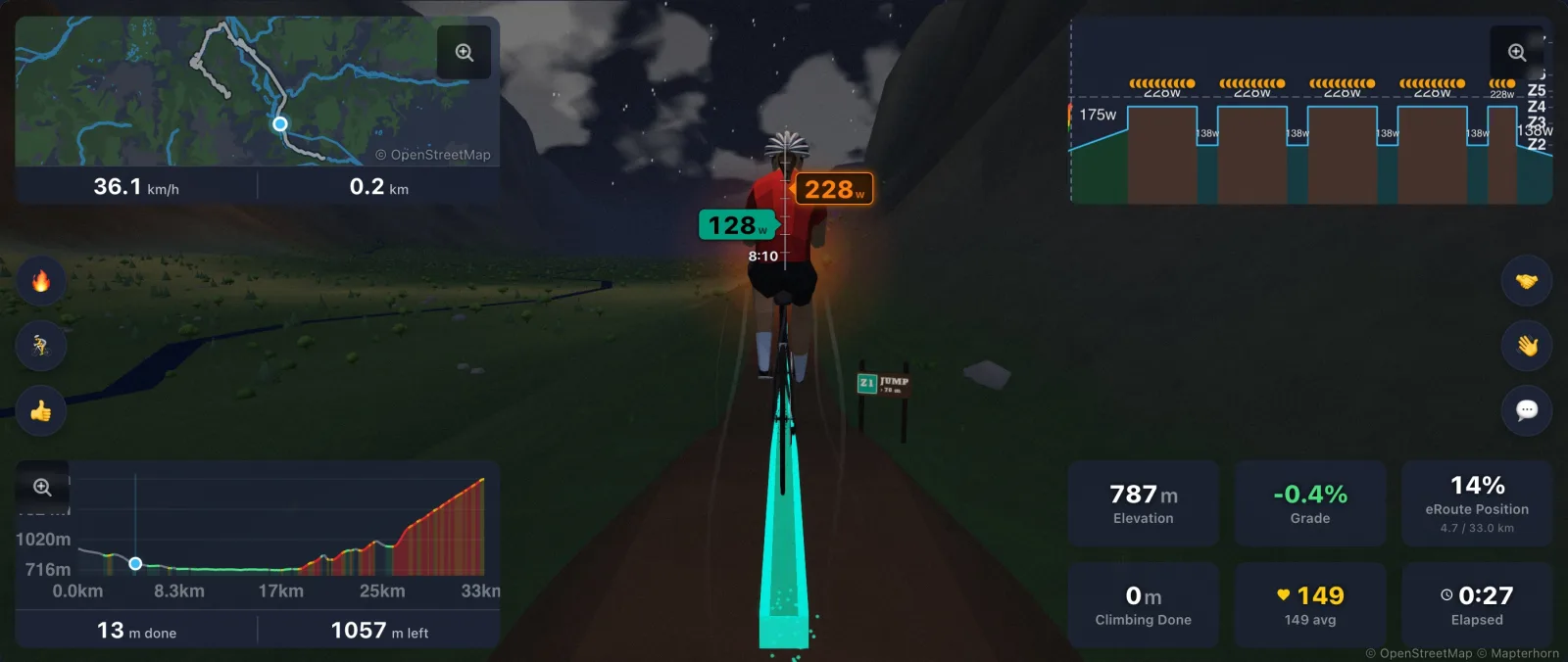
Your workout sets the target.
Attach a workout and each jump asks for the zone your workout asks for at the moment you reach it. Ride your intervals and the trail rewards you for it. Without a workout, every jump has its own zone, from Z2 up to Z6.
On the trail
More than jumps.
Log stacks
Stacks of logs lie across the trail on the flats. Carry some speed and you launch off the top; take them slowly and you roll over.
Rock gardens
Boulders line the trail and smaller rocks sit across it. Your rider chatters through, faster the quicker you go.
Berms
Tight corners are built up into berms: the trail banks into the turn, your rider leans with it, and you can carry more speed through them than through a flat corner.
A trail, not a road
Trail routes ride on a narrow dirt track. Jumps, logs, and rocks never change your trainer or your distance; a Trail surface already rides with more rolling resistance than pavement.
Everyone rides the same trail
Every rider on a route gets the same features in the same places, and the riders and bots around you hit the jumps too.
Landings you can hear
A chime for a perfect landing, a thud when you overshoot or case it. Landing sounds follow your Ambient audio setting.
How to ride it
Find a trail in a minute.
Look for Trail
Every eRoute card shows its surface. Open one marked Trail.
Or make your own
Own a route? Open it in the route editor and set Surface to Trail under Ride feel. It only changes how the route rides, never its leaderboard.
Ride it in 3D
The jumps, logs, and rocks live in the 3D world, so keep Ride in the 3D world switched on. Every graphics setting shows them, Ultra Low included.
Rock gardens and long descents.
The features are placed from the route itself: jumps on the descents and longer flats, logs on the flats, rock gardens anywhere, and berms wherever the trail turns tight.
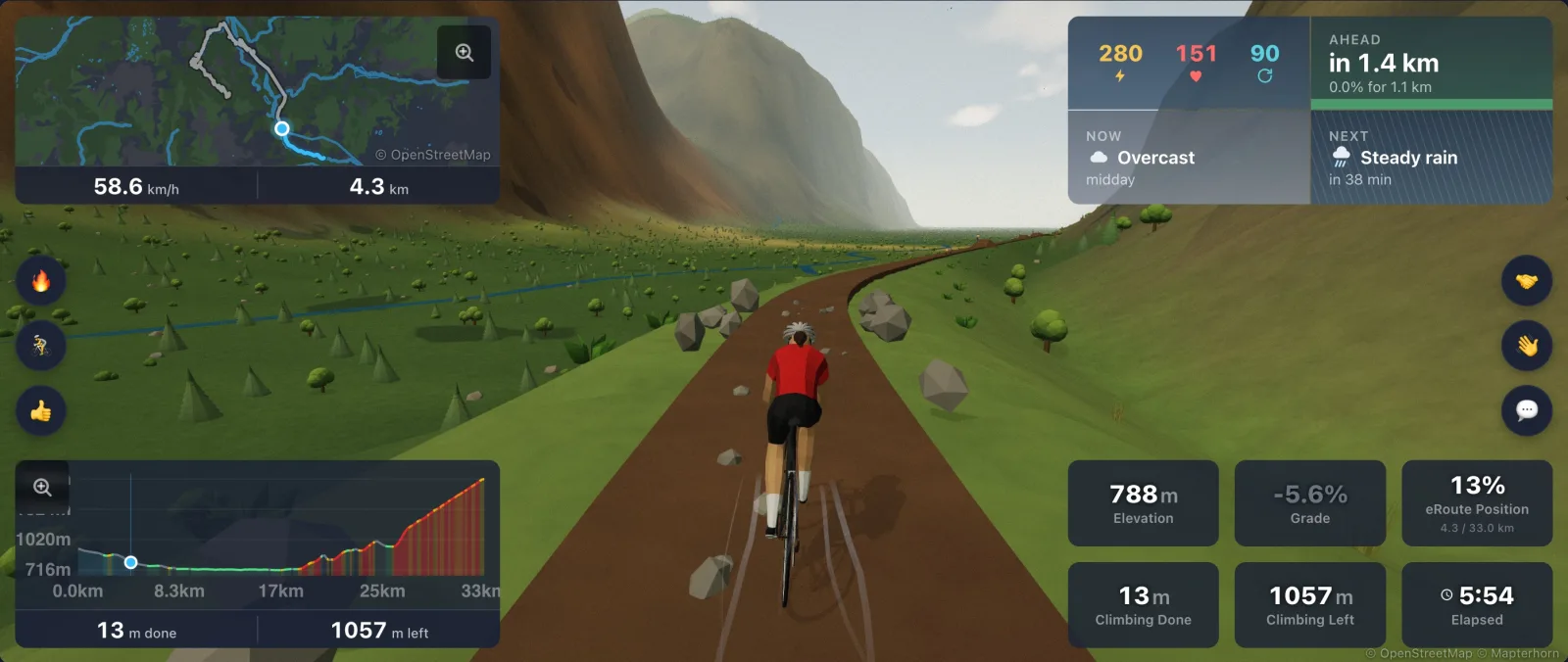
Hit the trail.
Open any Trail eRoute, keep the 3D world on, and watch for the first sign. Free for every rider.